
- Level:
- Beginner
- Lessons:
- 18 Lessons
Genre Genie Preset
Narrow down your story genre to a specific niche that you can take into your writing.
- Reading Time
- approx. 1 min
Based on the General Purpose chat prompt, this Preset helps you narrow down your story genre to something specific that you can then take into your writing. The more specific you are with your genre, the narrower you can focus your prose style.
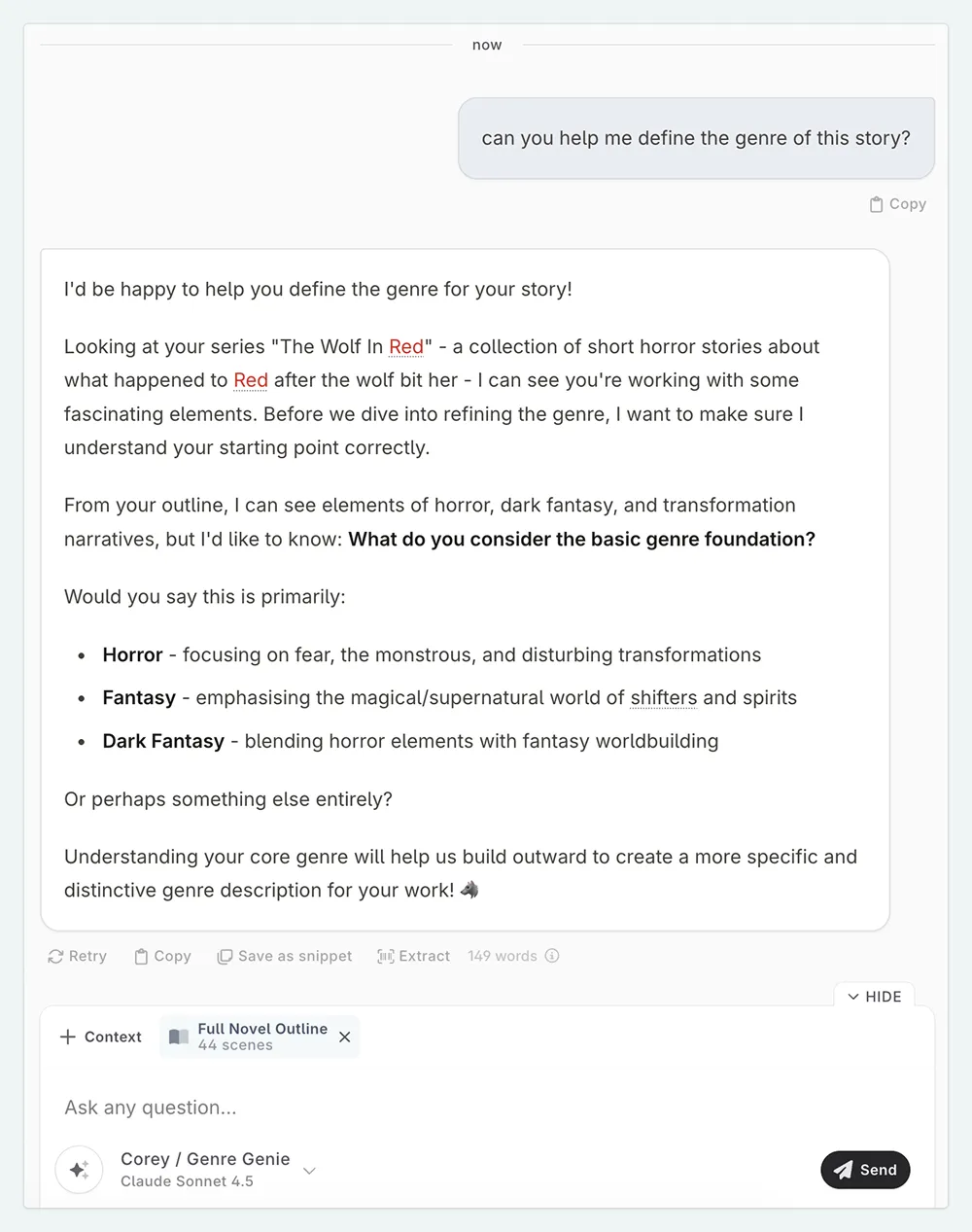
Using a basic genre (mystery, fantasy, etc), the Preset will ask you questions over three rounds to define key characteristics of your story. Finally, the prompt will present an output genre with a description of the genre and a list of key characteristics that you can add to a genre Codex entry.
Genre Genie
Learn how to add this prompt to your account here.
How to Use
You do not need to add any context to your prompt when using this Preset. If you have a genre entry already, it will be automatically added (as genre entries are automatically added as global context), and the questions will be generated based on the information in your genre entry. If you don’t have a genre entry, the Preset will ask you questions to help you narrow down your genre, and then generate an output genre based on your answers.
Send a first message of “let’s go”, or “I want to write a [genre] story”, and the Preset will take it from there.
This lesson was taught by:

Corey
After spending three decades writing science fiction for machines, he now writes science fiction for humans. His brain is almost entirely in the future, so if you encounter him, you’re likely experiencing a form of temporal rift.

Kate
Based in the UK, Kate has been writing since she was young, driven by a burning need to get the vivid tales in her head down on paper… or the computer screen.