
- Level:
- Beginner
- Lessons:
- 18 Lessons
Romancing the Beat Planner
Plot an outline using the Romancing the Beat outline.
- Reading Time
- approx. 2 min
This prompt is designed to help writers outline a romance novel using the “Romancing the Beat” structure by Gwen Hayes. By providing key details about the characters and setting, the AI will generate a structured outline that follows the beats of a romance story, including the meet-cute, attraction, conflict, and resolution. This prompt is ideal for authors looking to create a compelling romance narrative with well-defined plot points.
Romancing the Beat Planner
Learn how to add this prompt to your account here.
How to Use
Prompt Inputs
This prompt is designed to be comprehensive, and cover various use cases. As such there are a few inputs that you will need to tailor for your use.
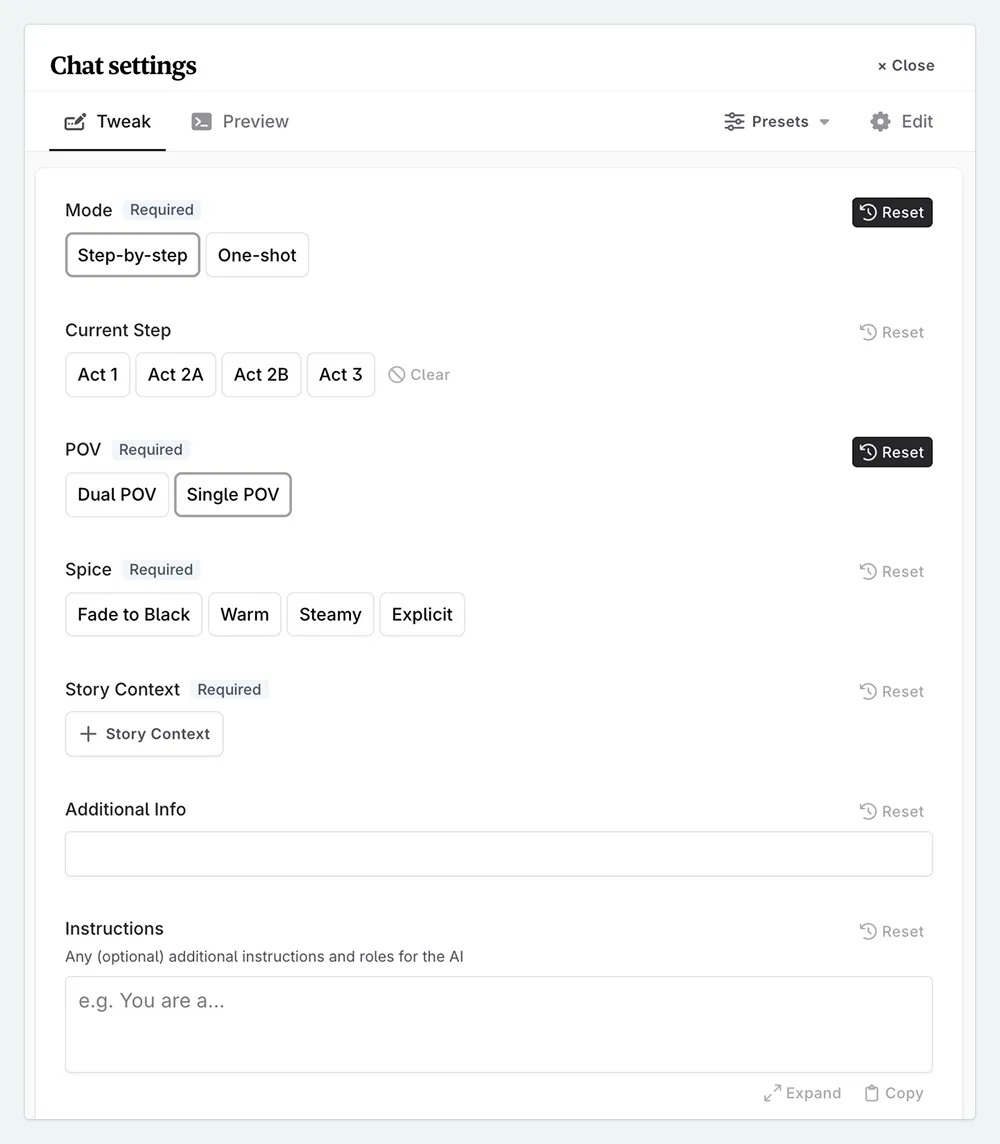
- Mode. Choose whether you want to work step-by-step in a collaborative fashion with the AI, or if you want to generate a full outline in one go.
- Current Step. If you choose step-by-step mode, this input will determine which act of the outline you are working on.
- Act 1: beats 1-5
- Act 2A: beats 6-8
- Act 2B: beats 9-11
- Act 3: beats 12-14
- POV. Whether your story is told from one POV, or two POVs (also known as His/Her perspective). If you choose two POVs, the AI will generate beats for both characters.
- Spice. This will determine how much “spice” or sexual content is included in the outline. The higher the spice level, the more explicit the content will be. This can be set to fade to black for no sexual content, up to explicit for very explicit content.
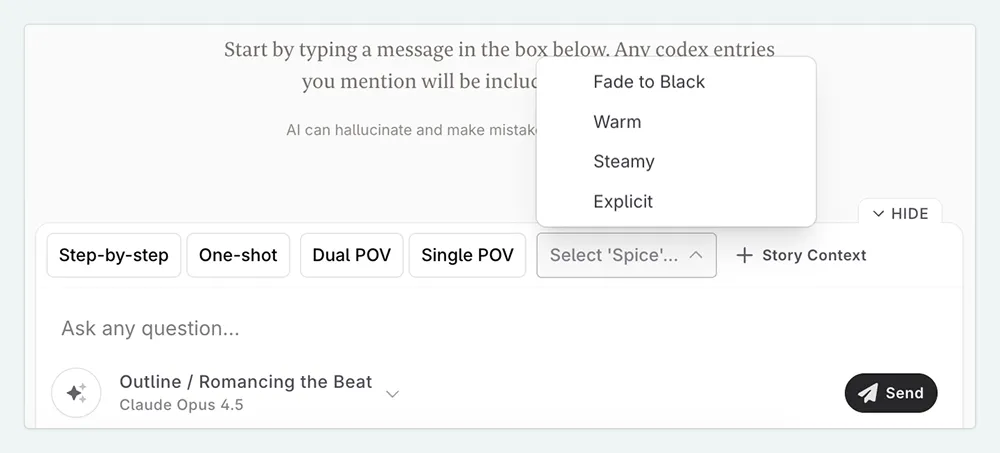
- Story Context. Here you can add any information you already know about your story; characters, locations, plot details, etc. The more information you provide, the more tailored the outline will be to your specific story. You can also add Snippets, if you have ideas stored there.
- Additional Info. If you have any specific questions or concerns about your story, you can add them here. The AI will take these into account when generating the outline.
Using the Prompt
Once you have filled in your inputs, the prompt will lead you through the various steps, offering help and advice, but you can choose to reject anything that doesn’t fit your vision. If working step by step, you can switch between steps within the same conversation. The steps are separated the steps to keep the AI focused, and to save on tokens, but the prompt still has a high level knowledge of the entire structure.
If you already have ideas for your story, you can provide this information in a Snippet, Codex entry, or by providing an outline if you already have scene summaries written. The AI will use this information to help bridge the gaps and organize your work.
This lesson was taught by:

Kate
Based in the UK, Kate has been writing since she was young, driven by a burning need to get the vivid tales in her head down on paper… or the computer screen.