Codex Tracking
Control how a Codex entry is tracked and detected in your project.
The Tracking tab gives you control over how Novelcrafter detects and highlights a Codex entry throughout the app. It is also where you configure how the entry interacts with the AI — i.e., whether and when it is included in the context of a message.
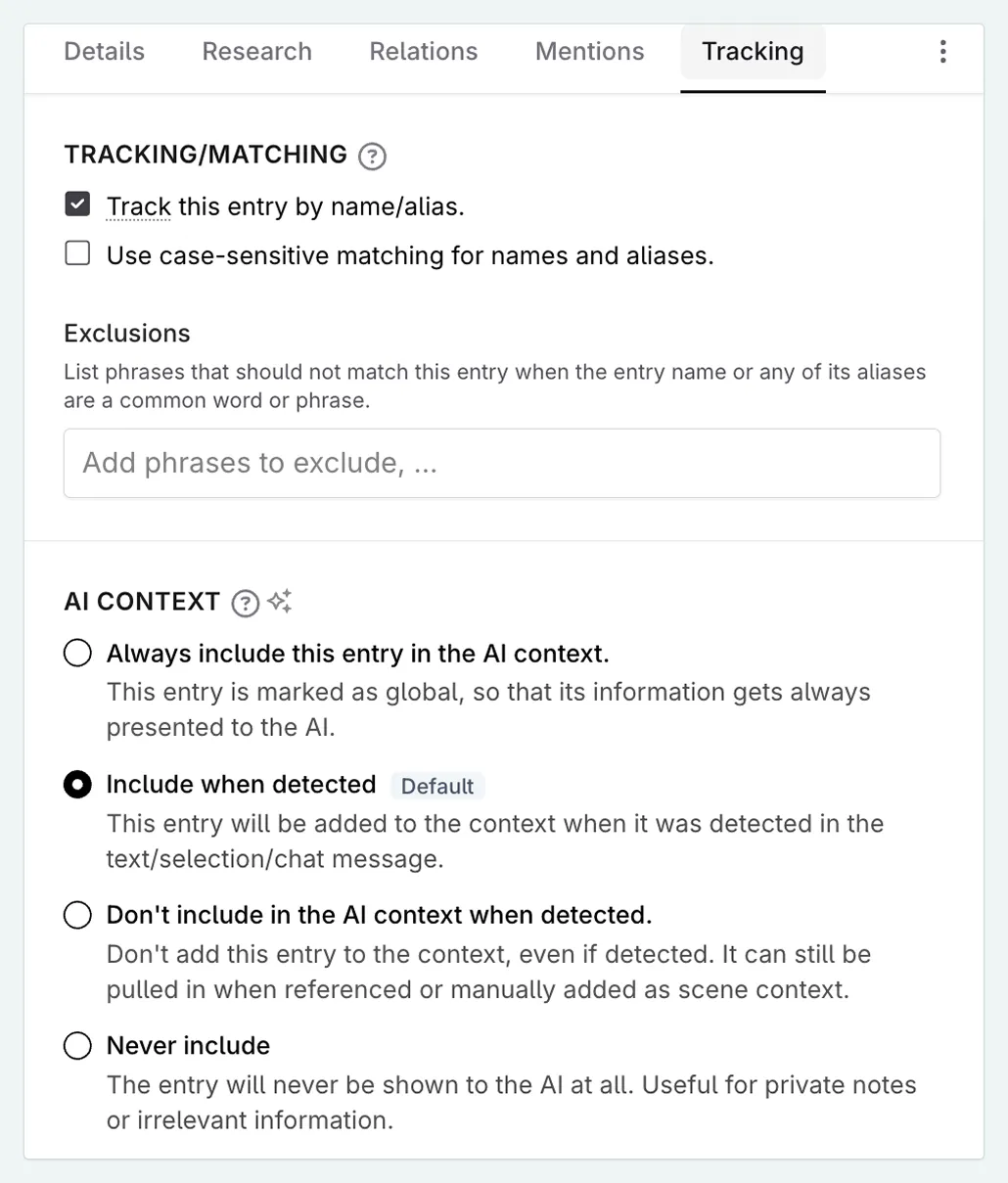
Tracking / Matching
The Track this entry by name/alias check box determines whether Novelcrafter actively looks for this entry’s name (and any aliases) in your content.
When tracking is on (the default):
- The entry name and its aliases are underlined in your manuscript, plan, and snippets.
- Mentions are counted and shown in the mentions tracker in the Codex header.
- The entry appears in the appearance heatmap.
When tracking is off:
- The underline highlighting disappears.
- The entry is excluded from the mention heatmap.
Auto-Pluralisation
For novels set to an English language variant, Novelcrafter automatically matches common plural forms of your entry names and aliases. For example, an entry named “Goblin” will also match “Goblins” in your manuscript without needing to add the plural as a separate alias.
More complex plural forms (e.g. “Wolf” → “Wolves”) are not automatically matched, but you can add them as aliases if needed.
Case-Sensitive Matching
By default, Novelcrafter matches entry names and aliases case-insensitively — an entry named “Charm” would also match “charm” in your manuscript. If you need to distinguish the entry name from an ordinary word, enable case-sensitive matching:
- Open the Codex entry.
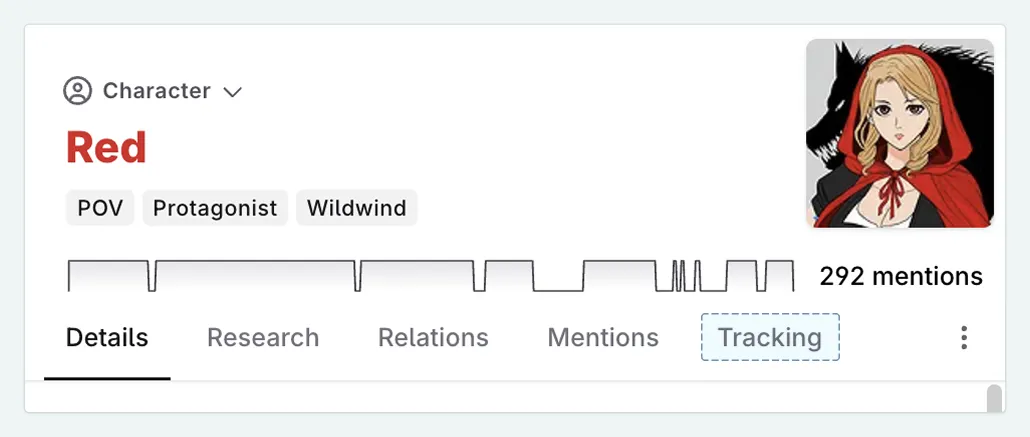
- Go to the Tracking tab.
- Enable Case-sensitive matching.
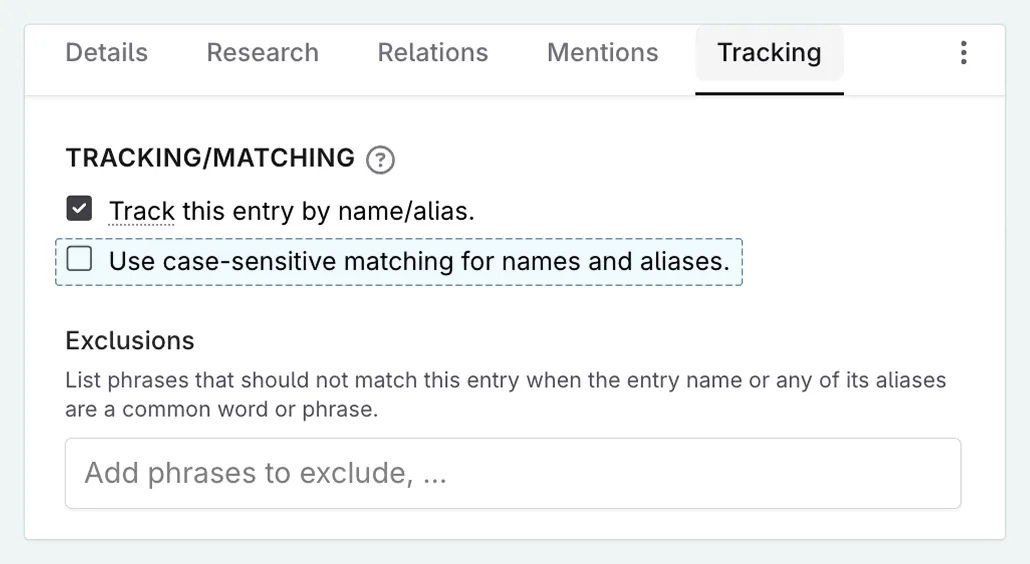
Only occurrences that exactly match the capitalisation of the name (and each alias) will then be highlighted and counted.
Exclusion List
The exclusion list lets you specify words or phrases that should not be counted as a mention of this entry, even when they match the entry name or an alias.
For example, if your character’s name is “Will” but you don’t want every use of “will” (the auxiliary verb) to be counted as a mention, you could either enable case-sensitive matching or add common false-positive phrases to the exclusion list.
To add an exclusion:
- Open the Codex entry.
- Go to the Tracking tab.
- Under Exclusions, type the words or phrases you want to exclude, separated by commas.
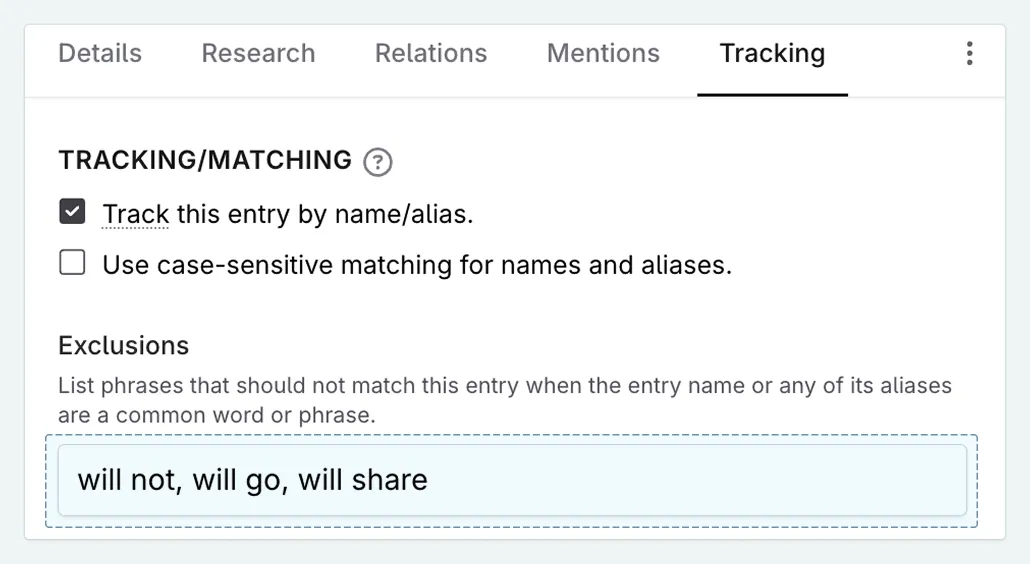
Exclusions are matched in the same way as the entry name — case-insensitively by default, or case-sensitively if you have enabled case-sensitive matching.
AI Context
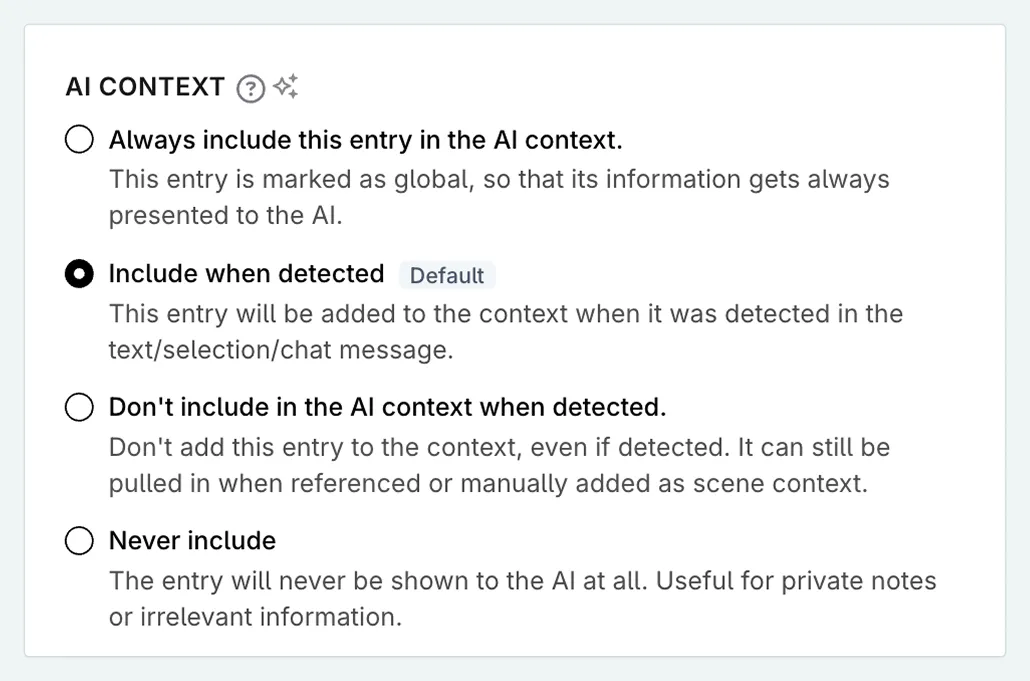
The AI Context setting controls whether, and when, this Codex entry’s information is sent to the AI as part of the prompt context.
| Option | Behaviour |
|---|---|
| Always include | The entry is always added to the AI context, regardless of whether it was detected in the current text. Formerly called a global entry. |
| Include when detected | (Default) The entry is included in the AI context when its name or an alias is detected in the selected text, scene beats, or chat message. |
| Don’t include when detected | The entry is excluded from the AI context even when detected. It can still be pulled in when manually added as scene context or referenced via a relation. |
| Never include | The entry is never sent to the AI. Useful for private notes, spoilers, or reference-only entries. |