Renaming and Renumbering Scenes
Learn how to rename and renumber scenes in the Plan interface.
1 min read Last updated Sep 23, 2026
You are not restricted to the default naming and numbering of scenes in Novelcrafter. You can rename and renumber scenes to better fit your story’s structure and your personal preferences.
Renaming Acts/Chapters
Click on the name of the chapter or act.
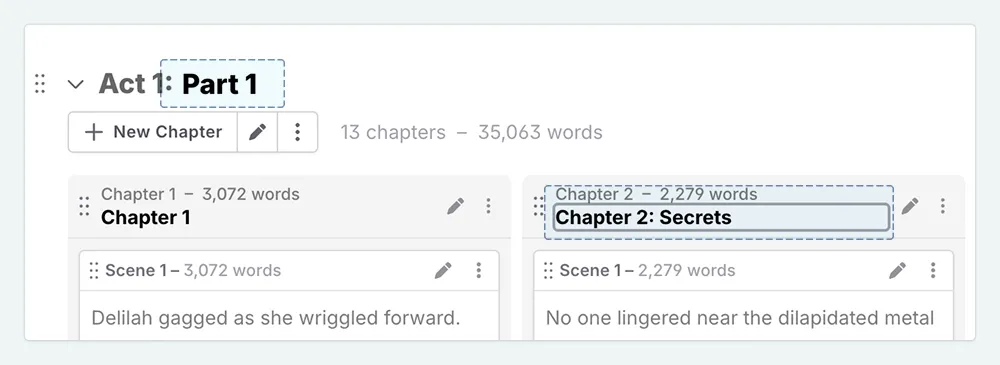
Rename it.
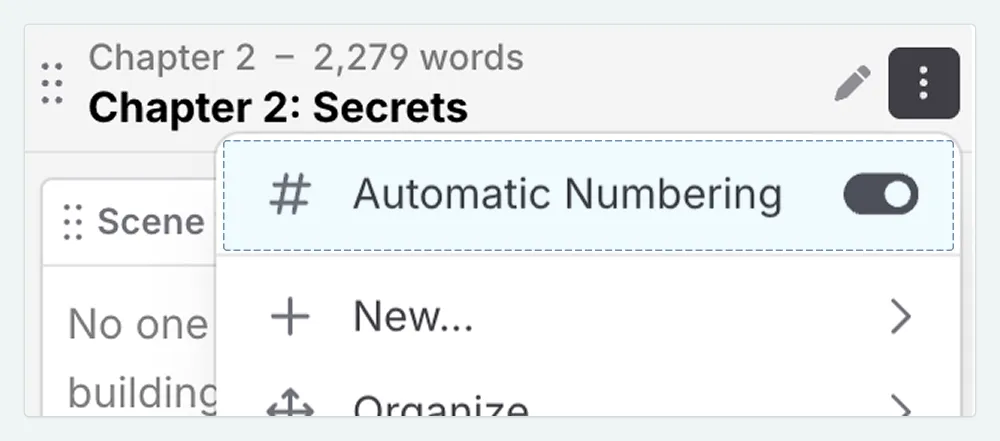
If you want to make a prologue, and have the chapter numeration reflect this, you will need to disable numeration. You can do this from the actions menu for the act/chapter in question.
Creating a Prologue in NovelcrafterNaming Scenes
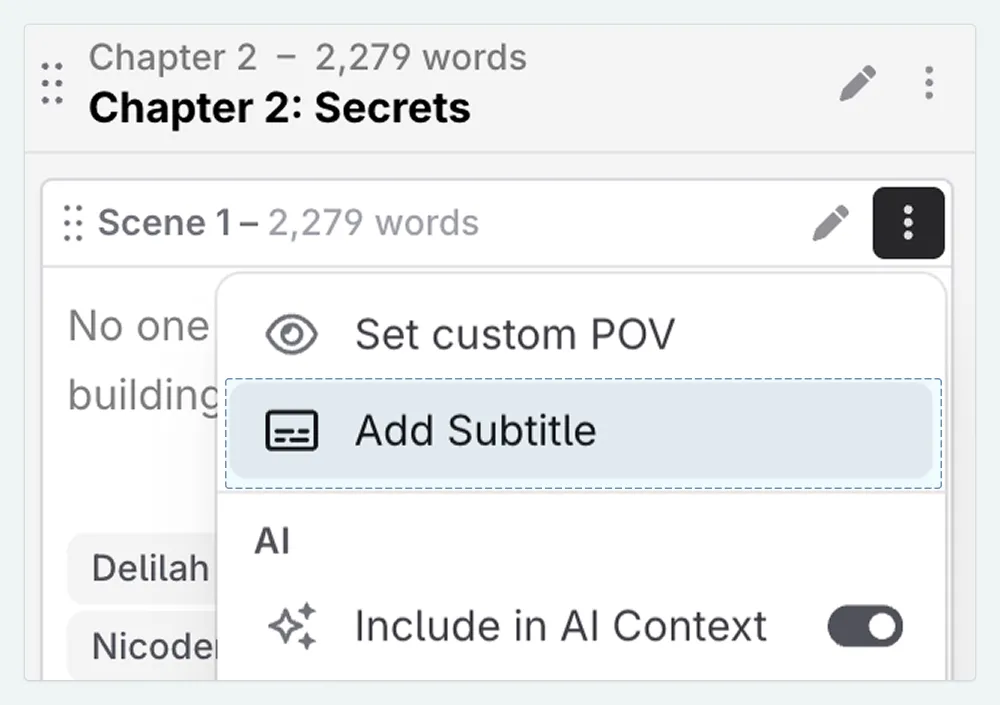
Scenes themselves don’t have a name, however you can set a subtitle, via the scene actions menu.
Enabling/Disabling Numeration
To enable or disable numeration of a chapter or act, click on the actions menu for the act/chapter in question and select the Automatic Numbering toggle.